01
Account privacy
Wallet-only sign-in reduces traditional account data such as email, phone number, and password.
Quiet Access, Verified Escape
Qave is a privacy-first encrypted file vault built on Filecoin-based distributed storage technology. Files are encrypted before storage, then stored through a verifiable decentralized storage backend with a clear recovery path.
Wallet-only sign-in reduces traditional account data such as email, phone number, and password.
Files are protected before they enter storage, so Qave does not need plaintext access.
Recovery is built into the workflow, so private storage still has a clear way back.
Files and messages can be privately delivered inside Qave without relying on public link sharing.
Qave does not require an email address, phone number, or password account. You can sign in with your wallet on mobile or desktop, so Qave can recognize your vault without asking for traditional personal account data.
Use your existing wallet. Nothing to create.
Qave does not ask for traditional account data.
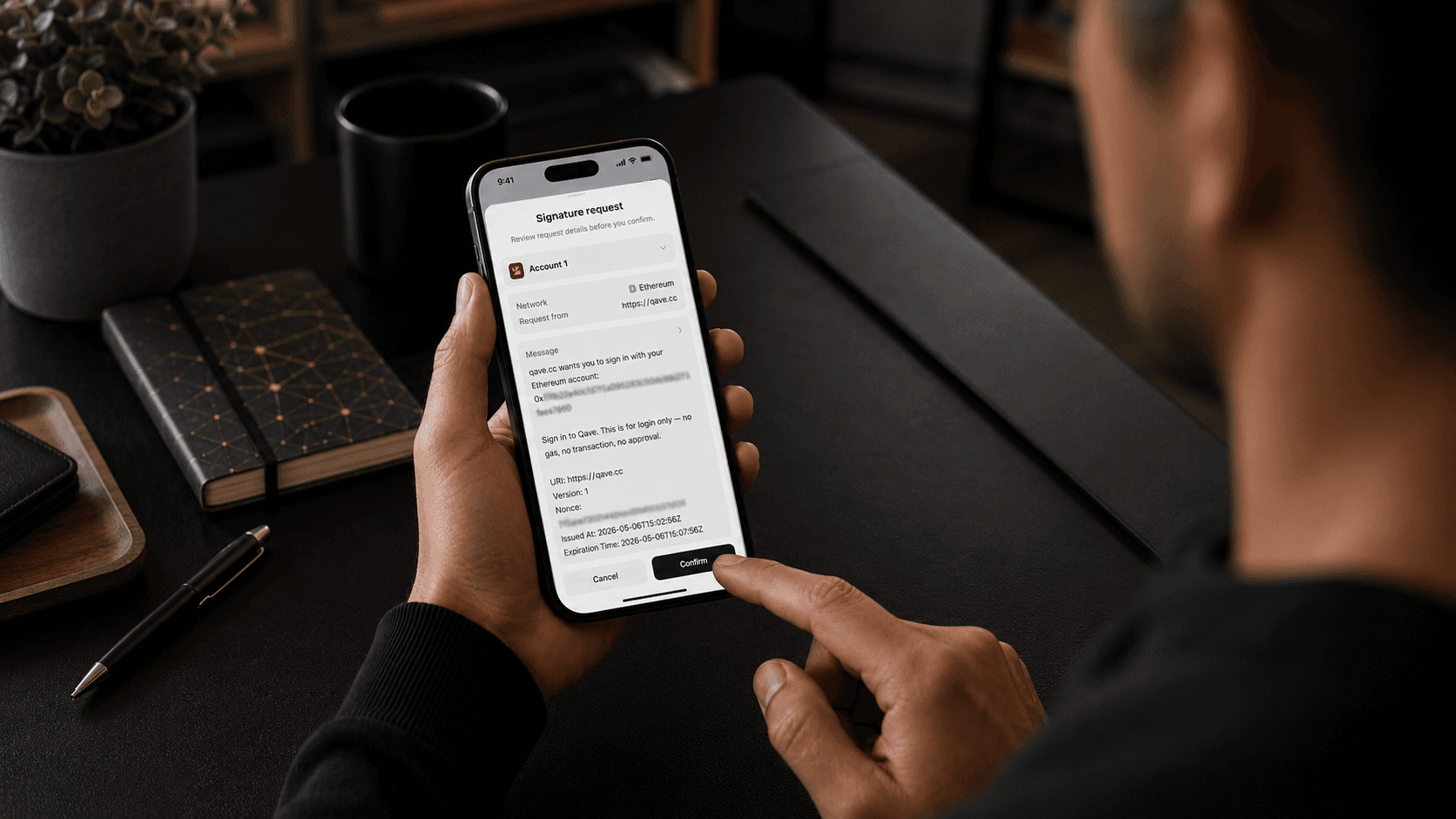
A signature proves wallet ownership. No gas, no transaction, no approval.


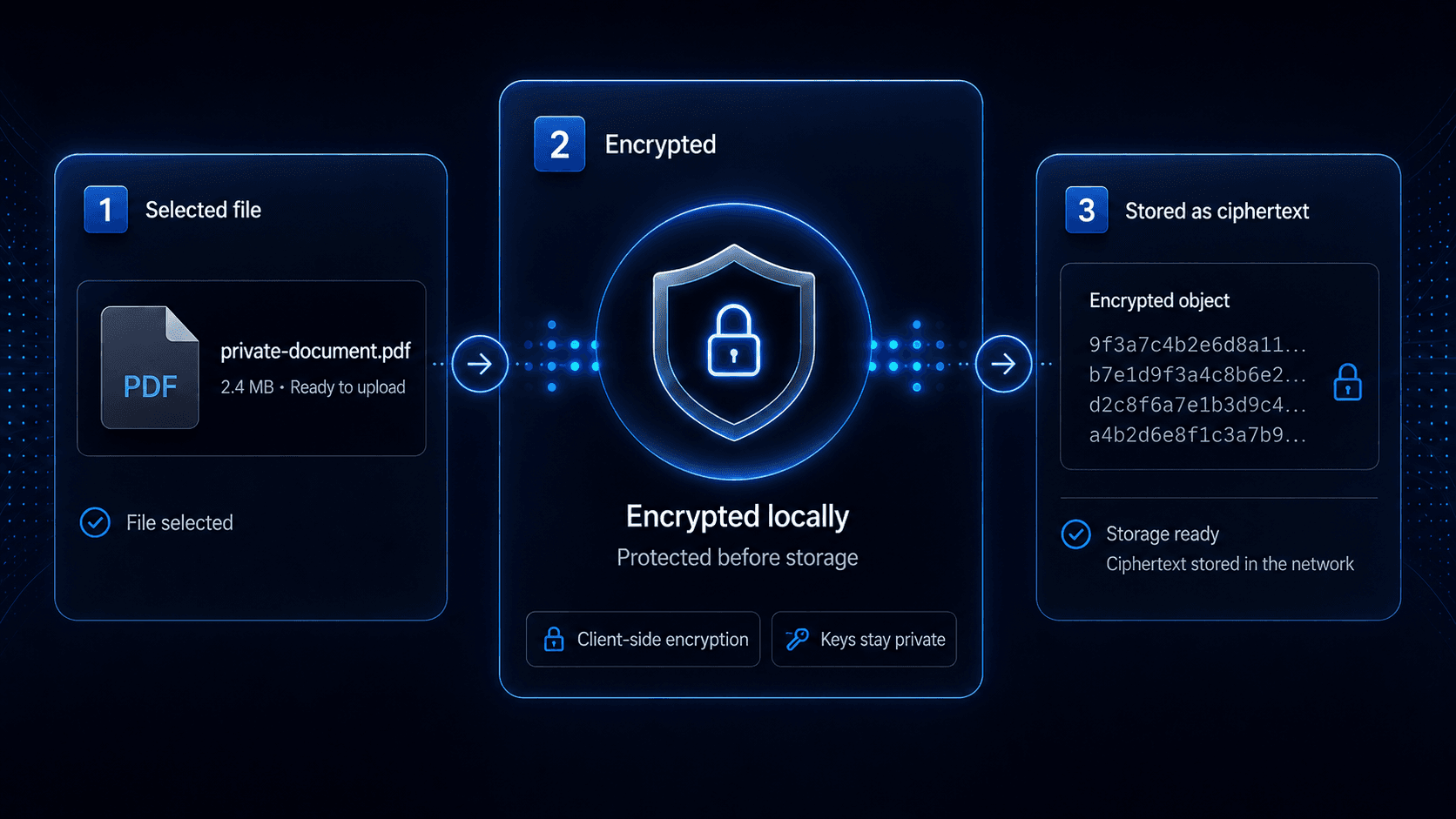
Before a file enters storage, Qave protects it with encryption. The storage layer receives encrypted data, not your plaintext file, so privacy is built into the upload workflow from the beginning.
Files are protected before they enter the storage layer.
Storage receives encrypted data instead of plaintext content.
Qave does not need plaintext access to keep your files organized, stored, and recoverable.

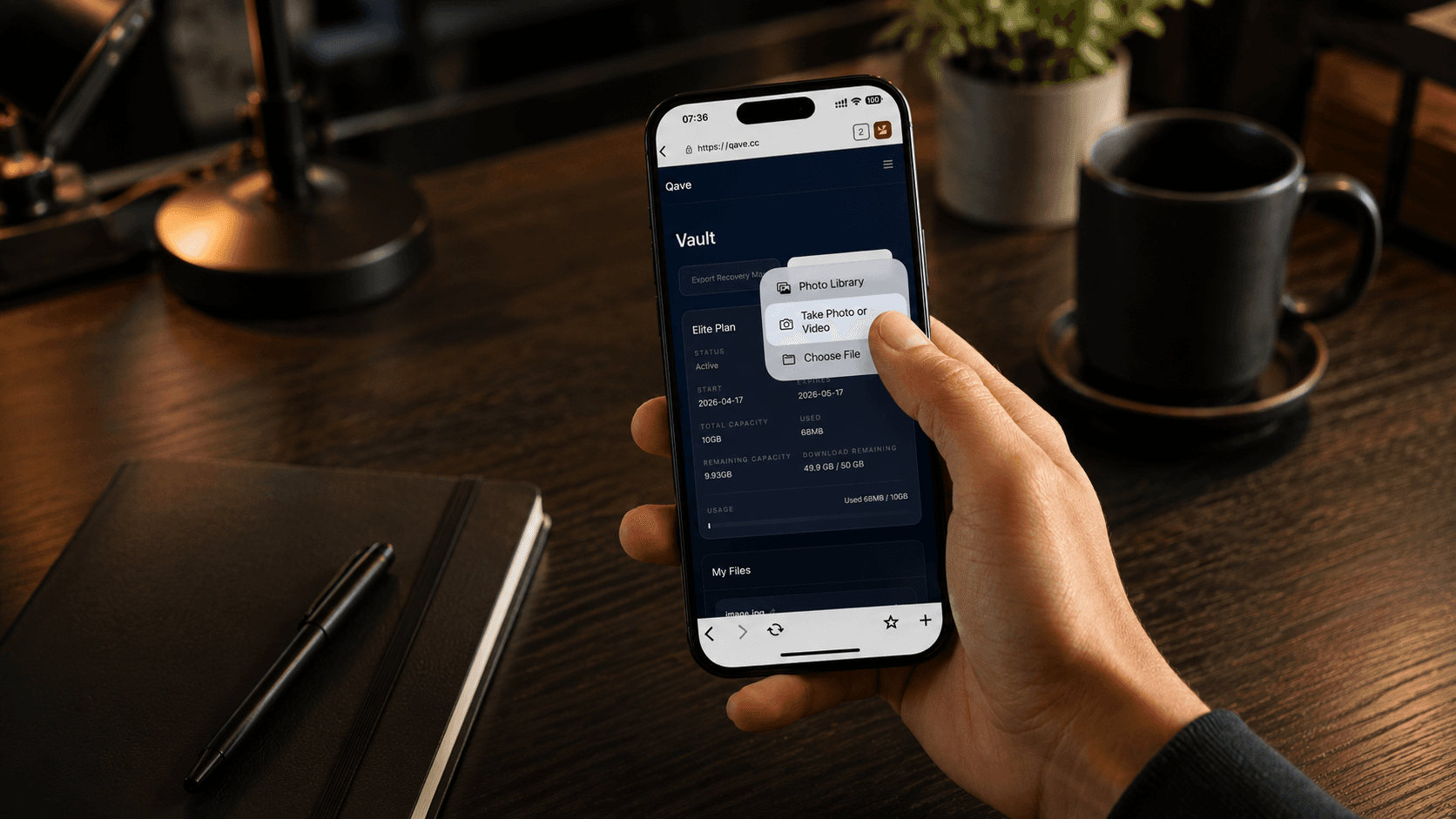
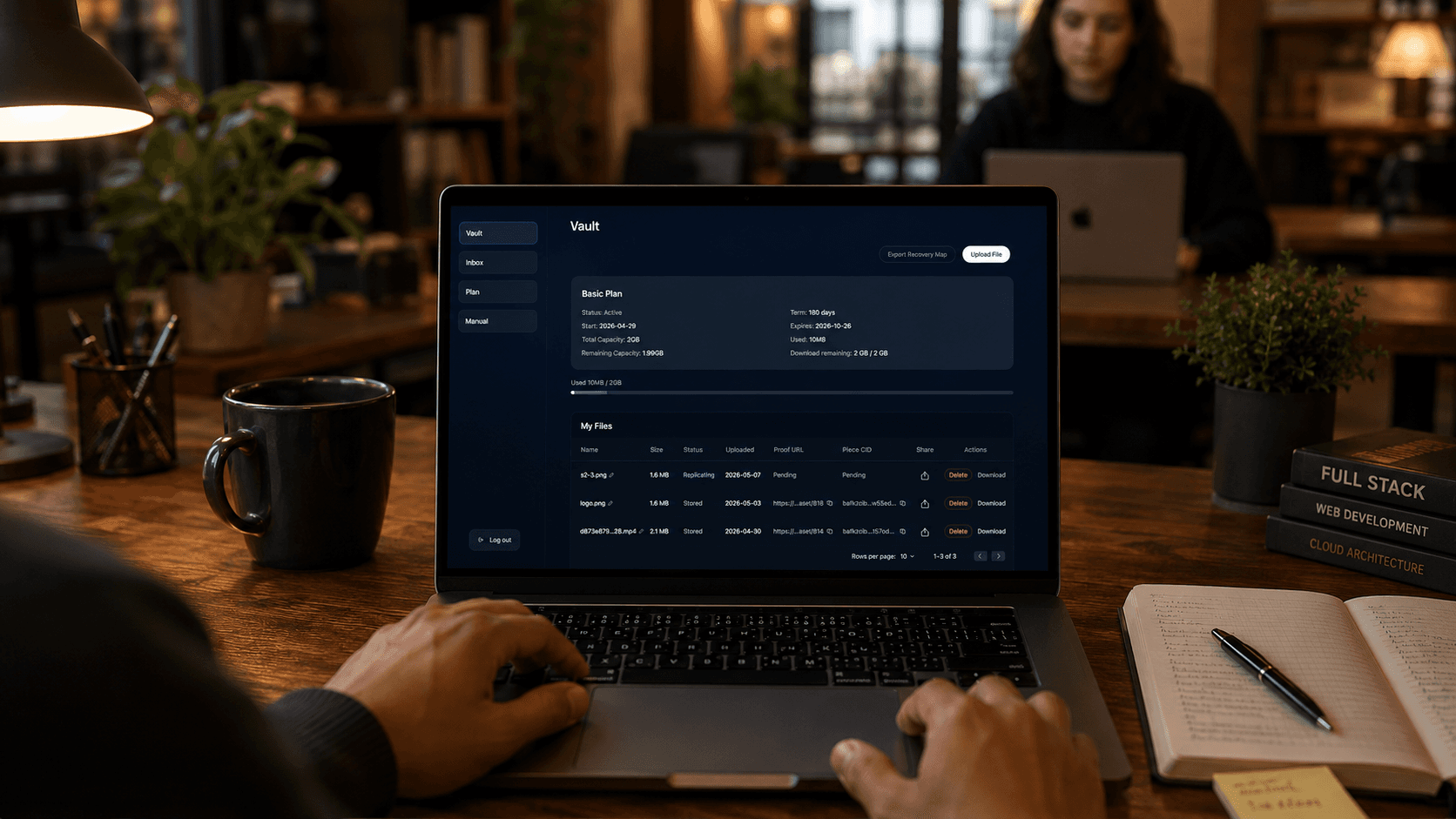
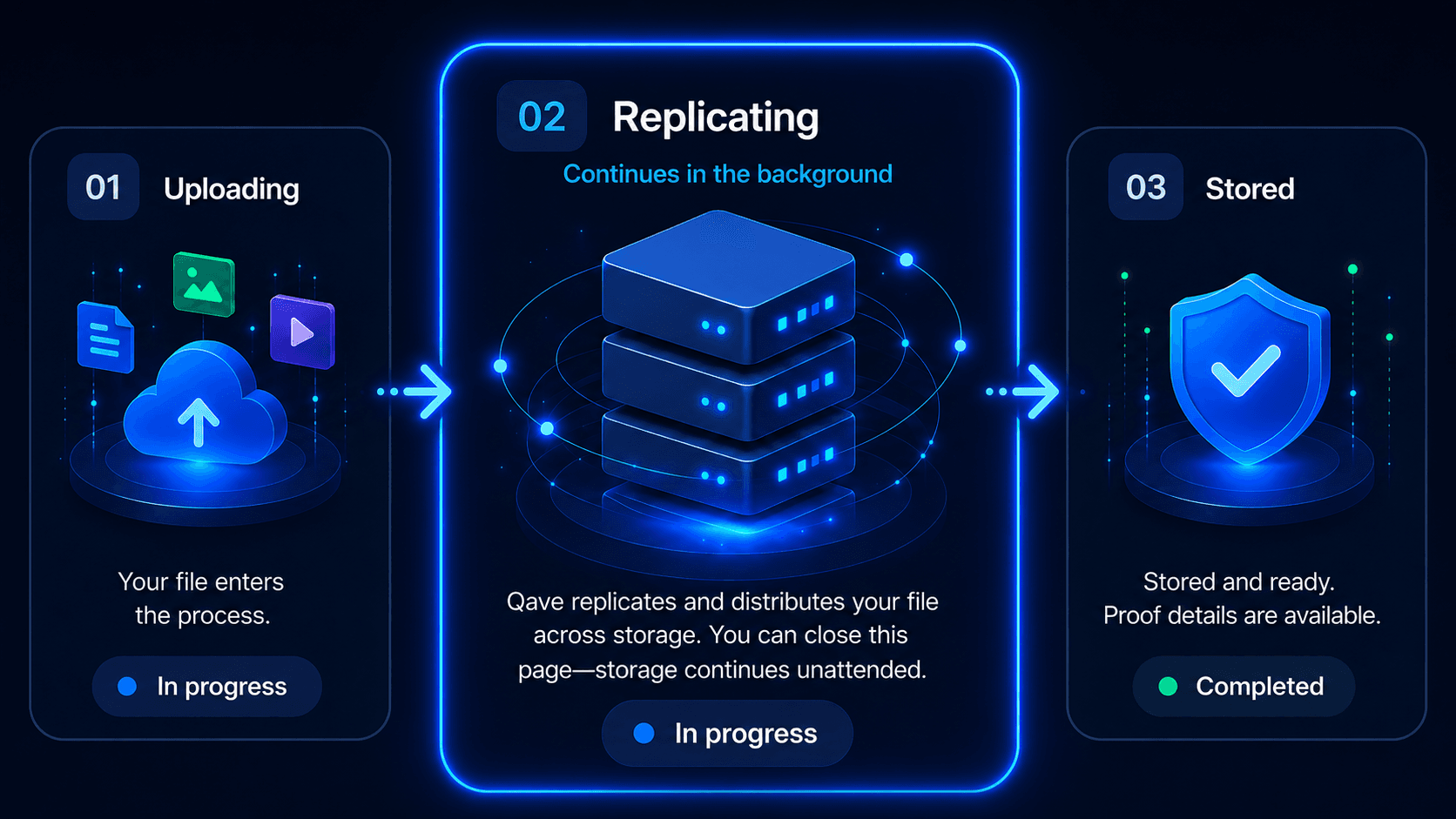
After upload, Qave continues tracking the storage process in the background. On mobile, you can capture new content and send it directly into Qave, while Qave keeps the storage lifecycle readable through clear states such as Uploading, Replicating, and Stored.
On mobile, you can take a photo or choose content and send it directly into Qave.
Qave shows simple progress states instead of raw backend noise.
Once the initial upload step is complete, replication can continue in the background.
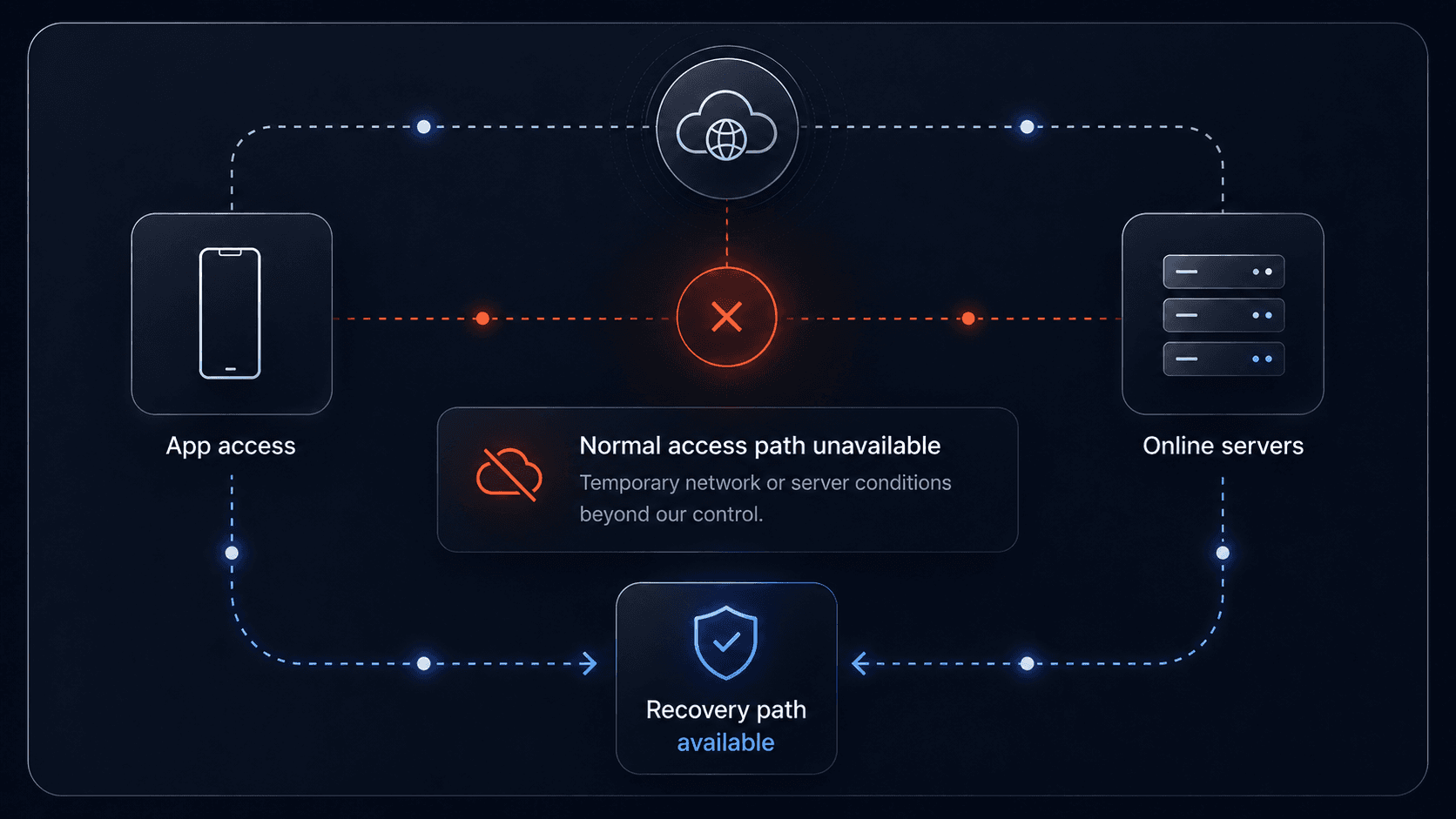
Private storage should not become a dead end when the normal access path fails. Qave includes a recovery path as part of the product, designed around encrypted file storage on Filecoin rather than a single centralized storage location.
Recovery is there for more than normal sign-in. It is designed for situations where the usual access path is unavailable.
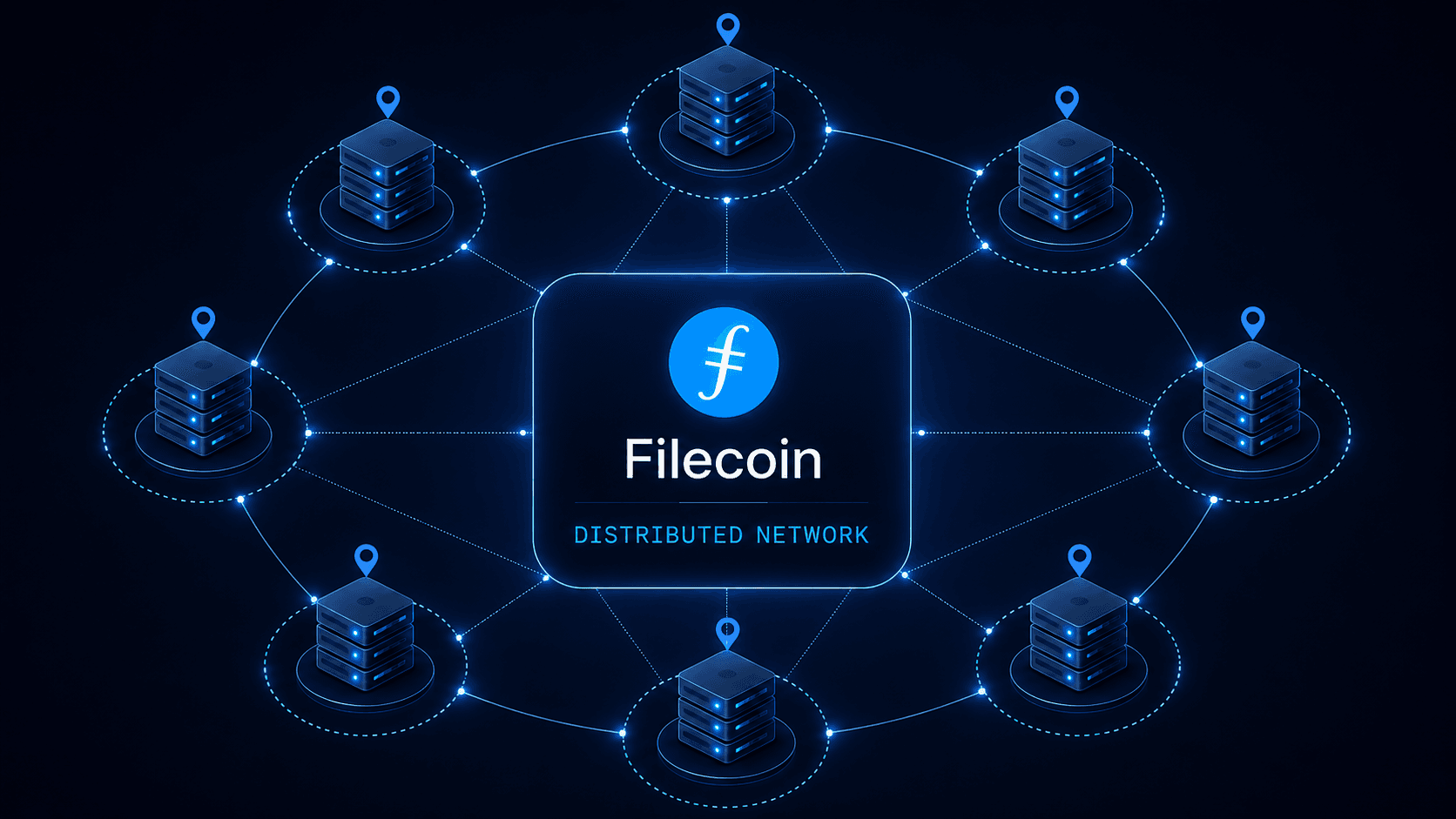
Qave uses Filecoin's distributed network for encrypted file storage instead of relying on a single storage location.
Export your Recovery Package to keep a portable reference for stored files.
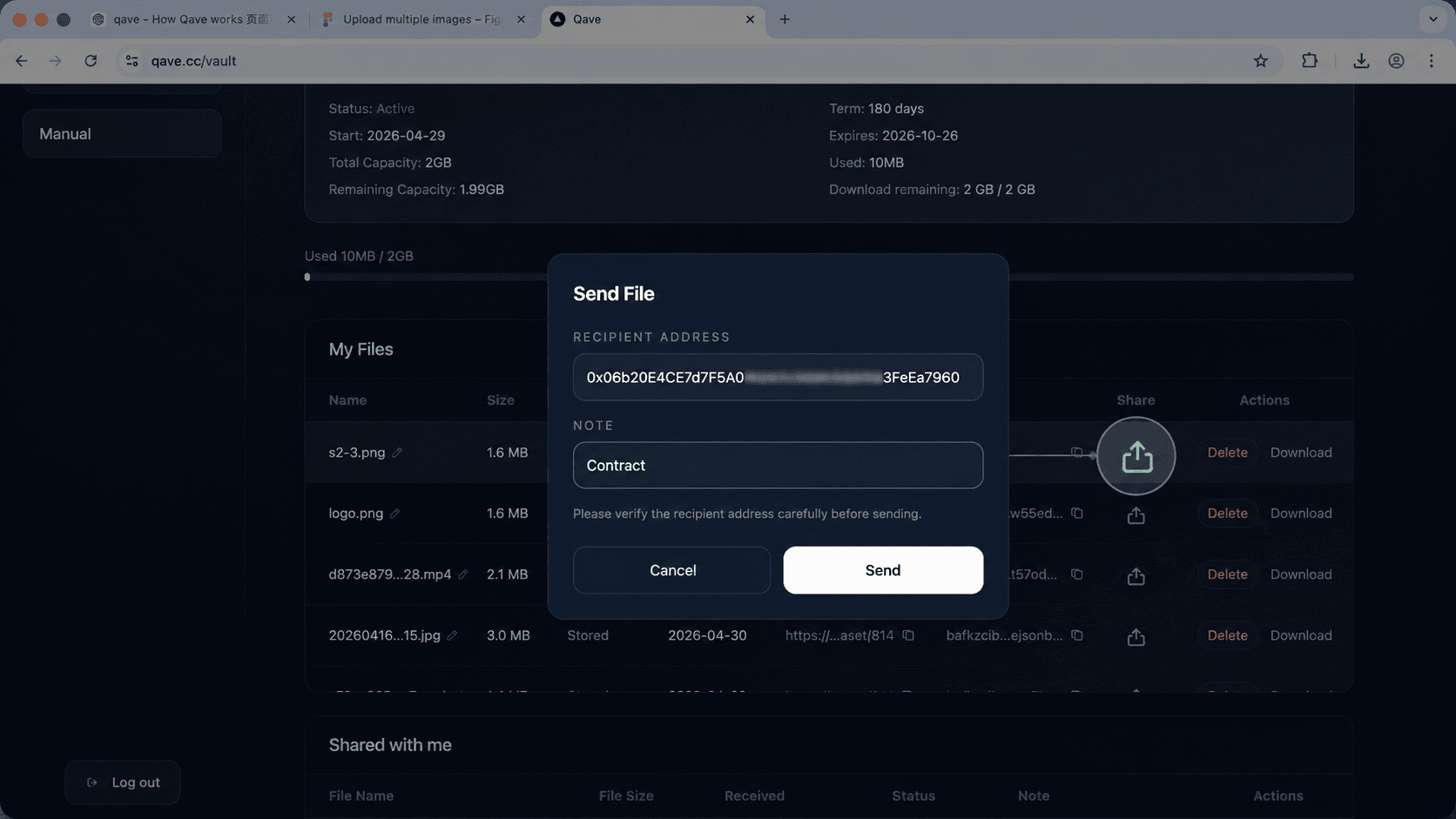
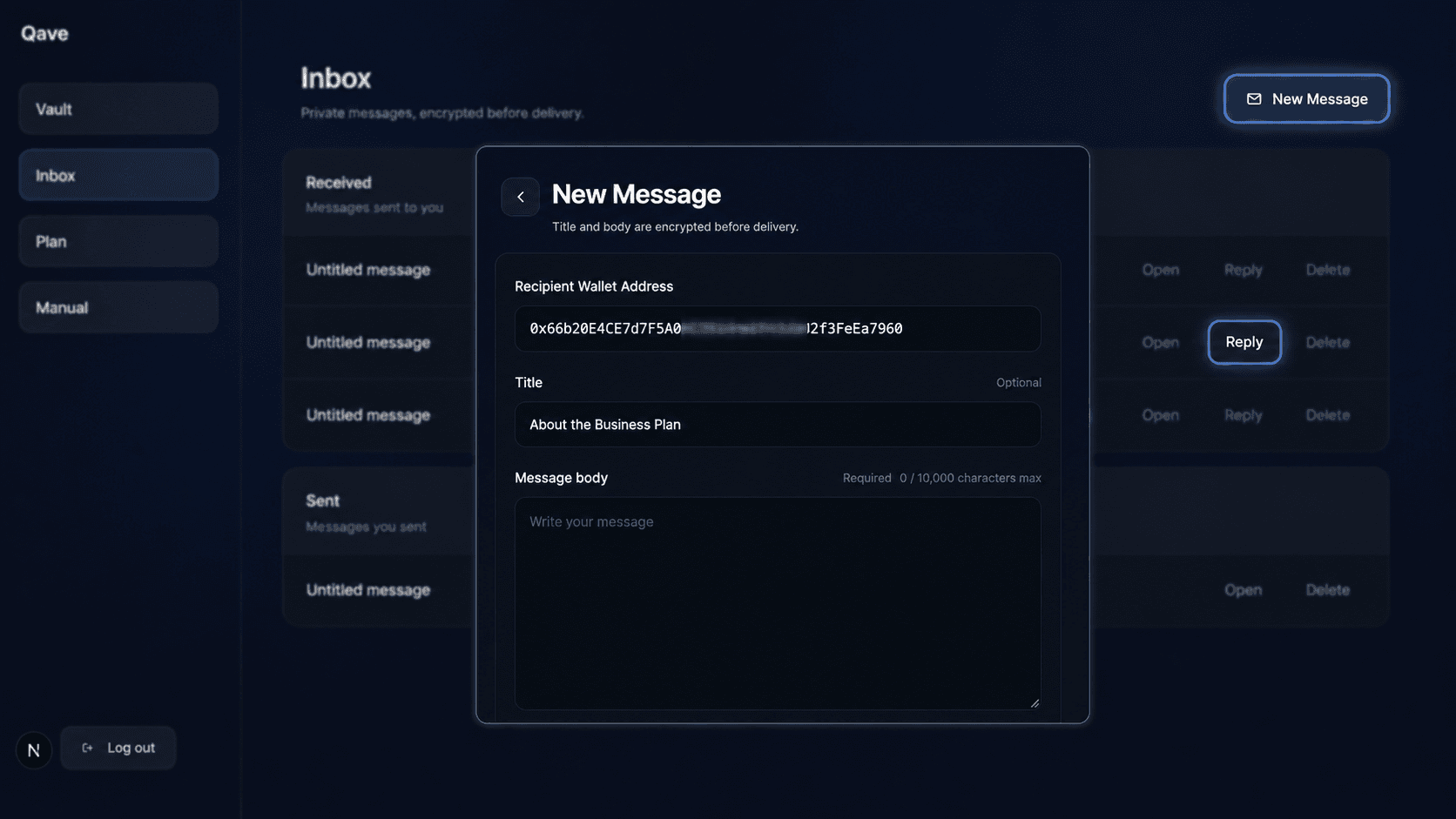
Qave can privately deliver files and messages to registered Qave users by wallet address. Instead of turning private storage into public link sharing, Qave keeps delivery inside a more controlled, privacy-first workflow.
Send a stored file to a registered Qave user by wallet address.
Title and body are encrypted before delivery.
Private delivery stays inside Qave instead of relying on open public links.

Common questions about sign-in, privacy, storage, and recovery before using Qave.
Qave currently uses Filecoin-based distributed storage technology as its storage backend. Files are encrypted before storage, and Qave is designed to combine private file handling with verifiable decentralized storage.
No. Qave uses wallet-only sign-in. You do not need to create an account with an email address, phone number, or password.
Qave uses wallet-based sign-in. MetaMask is recommended, but Qave is not limited to MetaMask. Compatible wallet browsers that can connect your wallet and sign the login message may work.
On mobile, open qave.cc inside a wallet app's built-in browser. Qave is not limited to MetaMask Mobile. Any compatible wallet browser that can connect your wallet and sign the login message may work. MetaMask Mobile is one recommended option.
No. Qave never asks for your Secret Recovery Phrase or private key. You should never enter those anywhere on Qave.
File recovery requires three things:
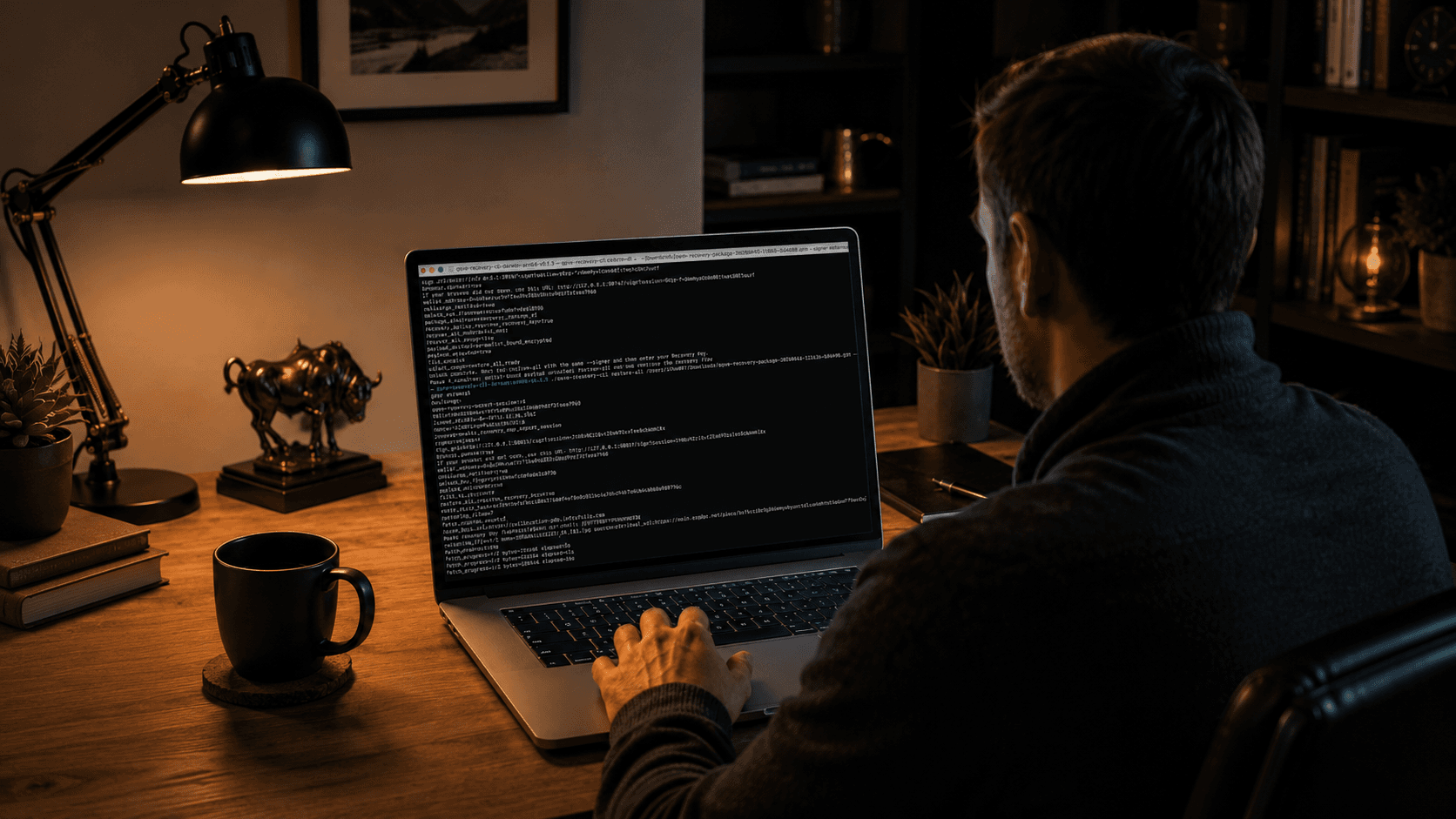
Keep your wallet private key or Secret Recovery Phrase safe outside Qave, preserve your device sign-in key, and download the latest Recovery Package regularly.
The public recovery CLI is available at:
https://github.com/qavehq/qave-recovery-cli
Files are encrypted before storage. Qave is designed around ciphertext-first handling, so stored files are not handled as plaintext.
Qave is built with a recovery path. Recovery is treated as a core product path, not an afterthought.
Still have questions? Follow Qave on X, join the community on Slack, or send us a note.